This weekend I decided to experiment a bit with something that had been lingering in my head for years: creating a home screen widget for a stylized pixel art clock I put together years ago. I set out to do it and was able to put something together and learn a lot in the process. You can check out the results here. But what is this?
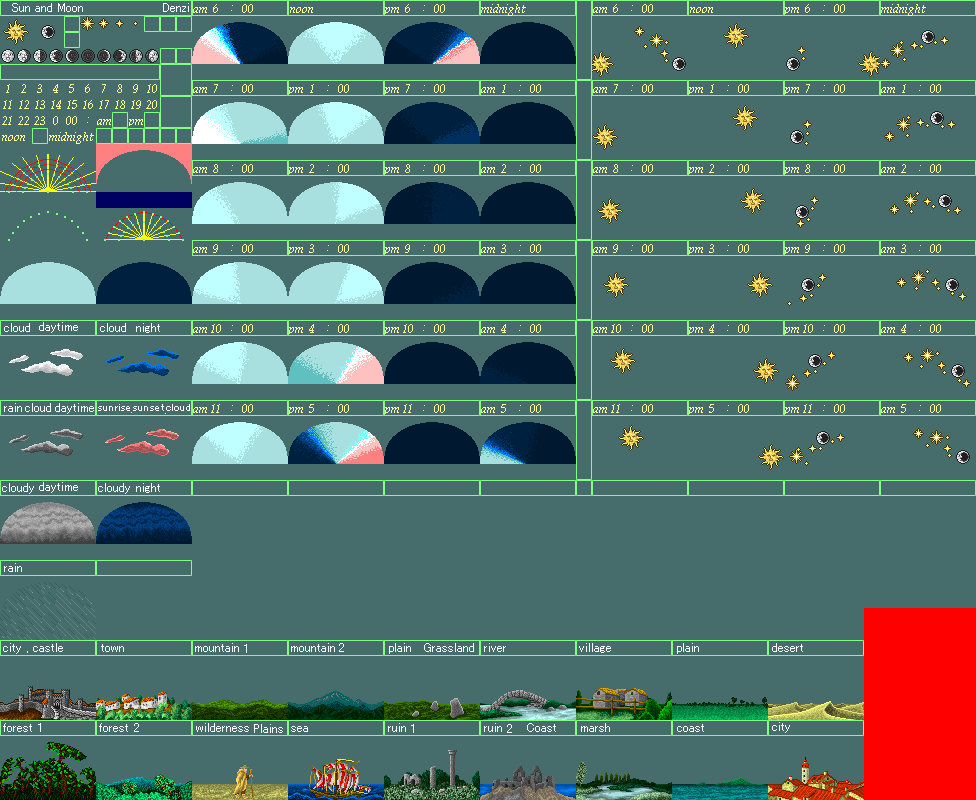
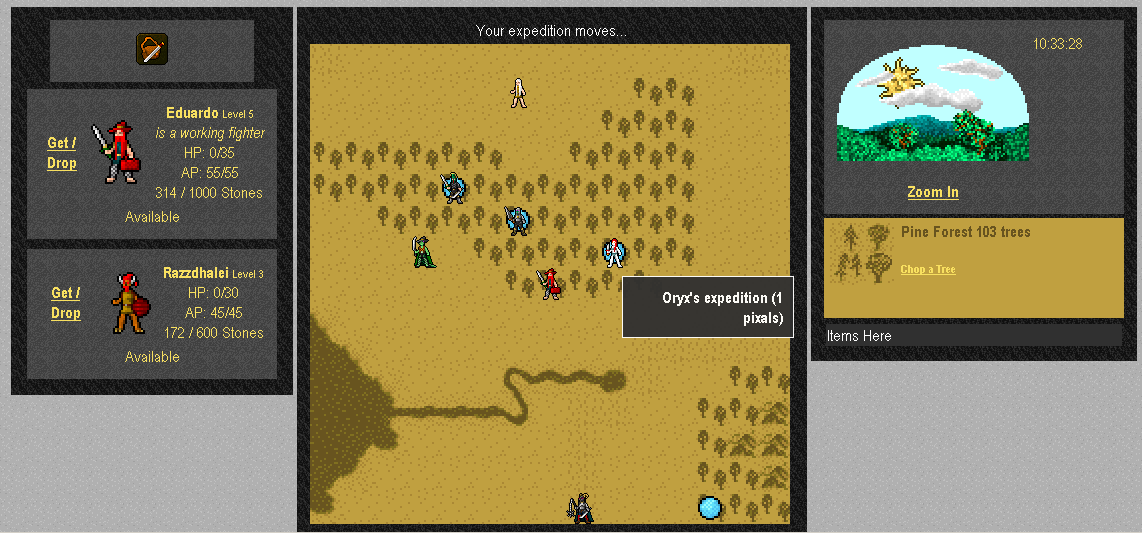
It all started around 2009, while I was developing my persistent browser based game: Pixal. The artist, Denzi (with whom I used to collaborate a lot back then) created a visualization of the daytime for the game, portraying the sun and the moon crossing the sky. It was meant to reflect the in-game time of day as your expeditions explored the fantasy world of Ibaran.
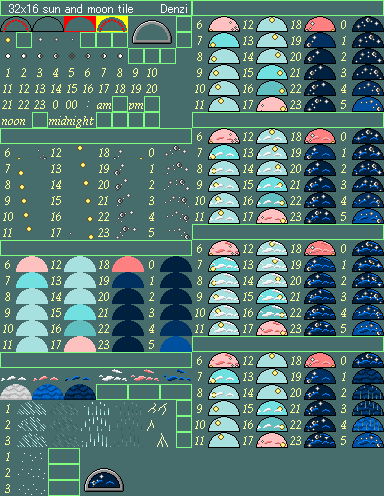
Pixal was never released, but the idea ended up being developed further as he created a tileset that he posted on his site (alongside an alternate miniature version of it).
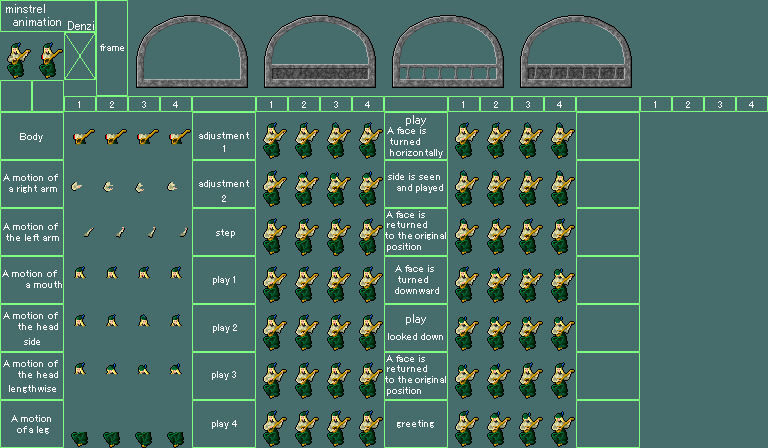
For some reason he included a minstrel there, which I thought looked pretty cool.
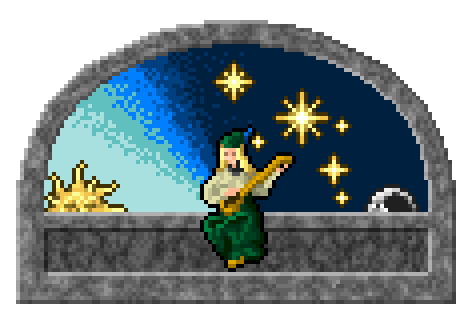
This lay dormant until 2015, when I thought about reviving that art and used it to create the first version of this, in the shape of an Android Wear watch face (which is still available on Google Play, and probably still works?)
Then, in May 2023, I created a web version of it, just for the lols. I didn’t write about it, but made it open source and did a couple of Midnight Coding Sessions about it (1, 2) where I explained a lot about this. Funnily enough, I thought I could tackle it in a single one-hour session, but I struggled with simple things (it’s almost painful watching these videos in 2026 where I would probably shift to any coding agent after 1 minute of being stuck).
Anyway, I was at the birthday party of a friend’s kid and I went out to walk with my daughter and we saw the sunset, and it made me remember that long lost project… I wondered what would be the best approach for this. In my mind these widgets would be some kind of drawing surface, similar to the watchface (or the web version). But after some ChatGPT research it turned out the best approach for this would be kind of different.
It seems that Android and iOS home widgets are really limited in how often they can refresh, so for these kinds of visually rich scenes the approach is to actually have a web renderer being able to generate images based on parameters, so that all the widget does is serve the image. The Widget itself then becomes just a small part of the project; the meat of it is the infrastructure to generate, cache and serve the images.
The final structure was:
- The Android widget, written in Kotlin, set to render a bitmap by requesting the image from the front proxy deployed at a fixed location (in this case https://slashie.net/time/current); the request includes the phone’s configured timezone.
- The front proxy, written in PHP, which forwards the request to the image capture server, keeping a redundant cache per timezone per minute.
- The image capture server, written in Node.js, which uses Playwright to launch a headless browser to render the web renderer and screenshot it, also keeping a per timezone per minute cache, deployed at Render.com.
- The actual web renderer at https://slashie.net/time, which remained completely unchanged.
- A ping mechanism to make sure the render.com server is kept alive (since it shuts down if it doesn’t receive requests in a given interval). Using UptimeRobot.com for this.
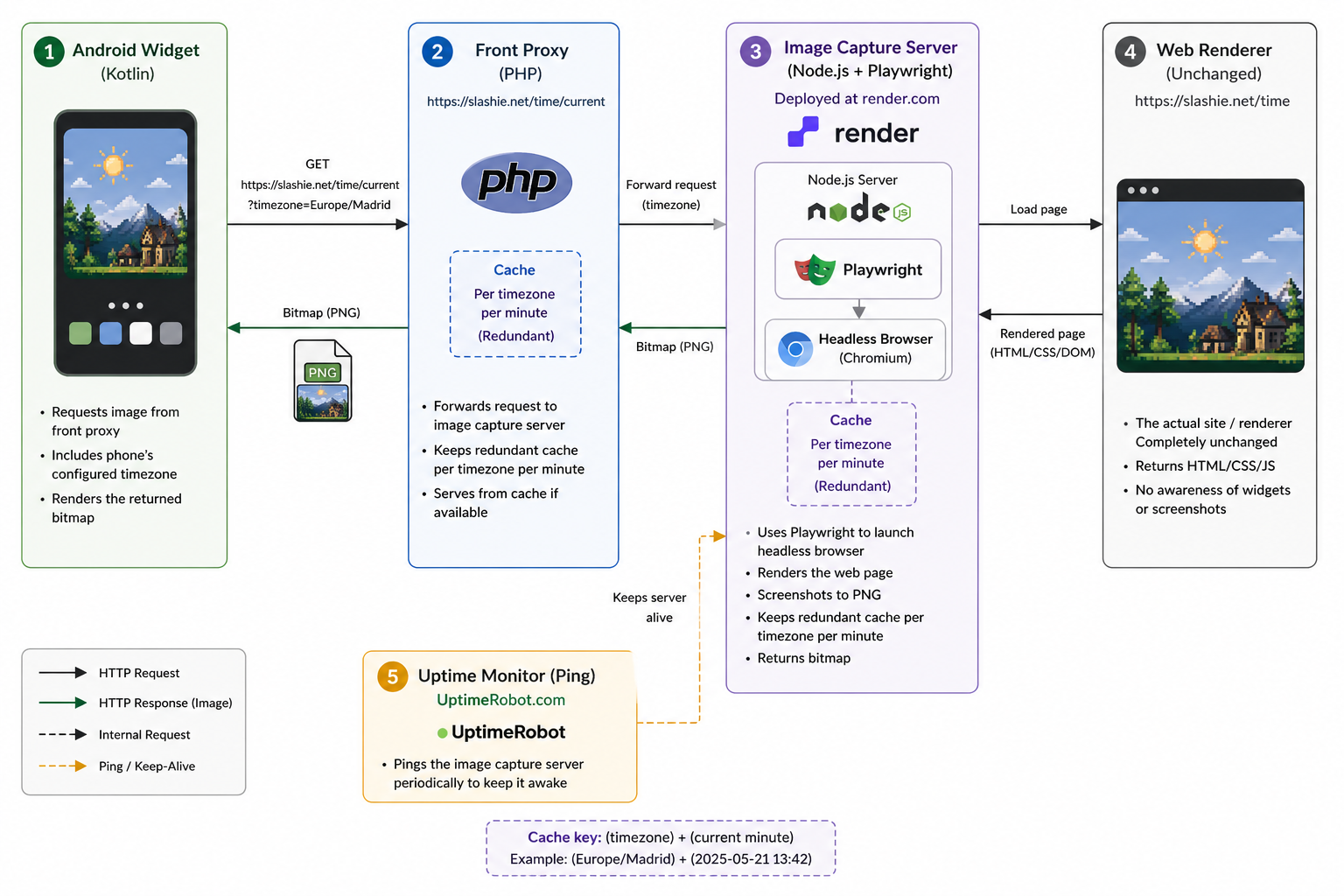
This took about 5 hours (wall time) to set up using claude code, with most of the time spent in a big detour as I tried to deploy the capture server in an ages old VPS at Digital Ocean trying to avoid having to set up the web service at render.com. In the end it was a much better solution, and claude guided me through. Mind it, it really helped having a clear idea of what I wanted to achieve and broadly how.
So, there it is. It’s incredible what you can do with these AI programming helpers if you know what you are doing and you can judge when to follow them and when not. Doing this by hand would probably have taken at least 3 or 4 days of development.
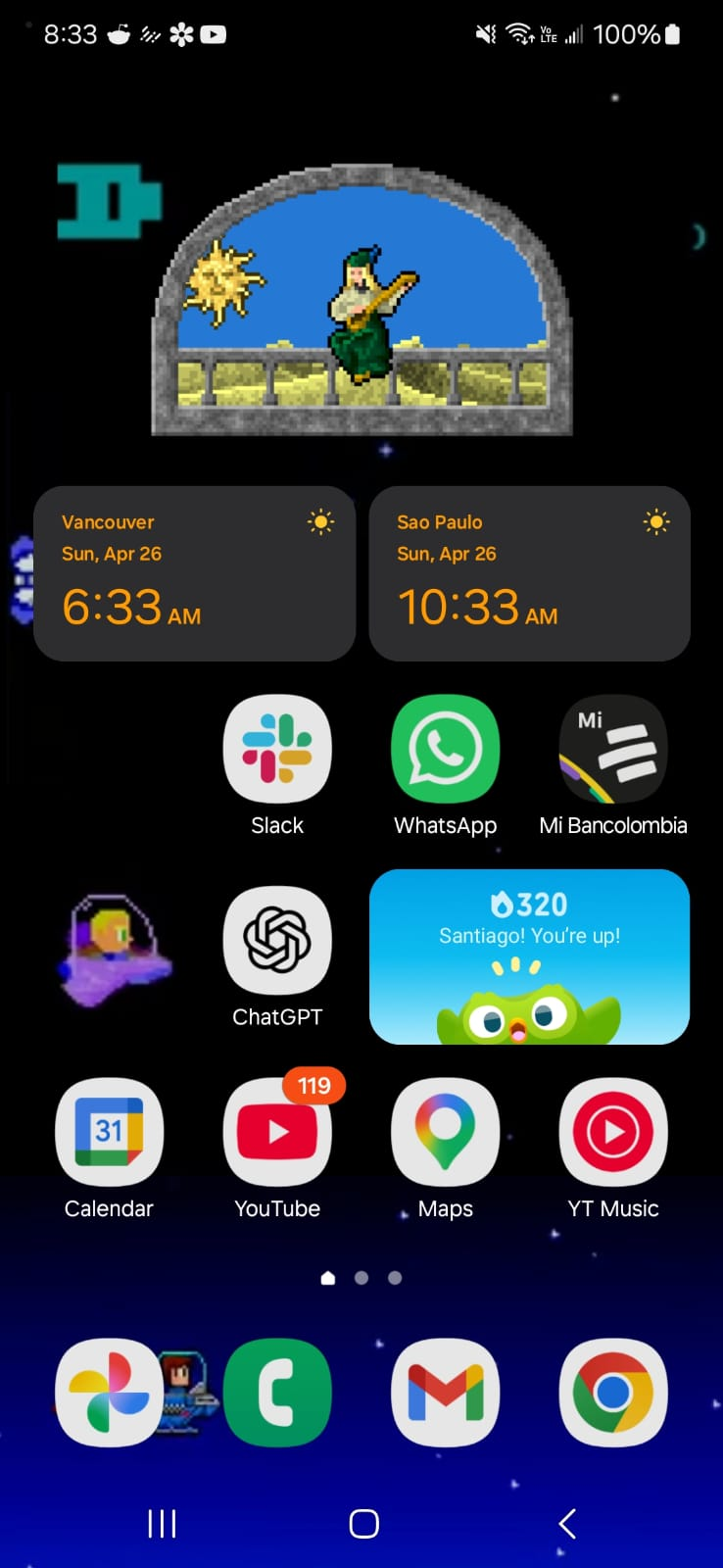
I think it looks great and so far it’s been super stable and solid. Not only that but I genuinely think it’s useful to get a glimpse of how far along the day is; even if you already have a more precise clock – it’s another way to remind you of the relentless passage of time.
Just yesterday I was also thinking of some visual improvements for this, displaying the moon phases (which I thought would be different based on your latitude but turns out the phase itself is shared by everyone on Earth; only its orientation changes depending on hemisphere and latitude) as well as a major constellation associated with the southern or northern horizon depending on which hemisphere you are currently in (which you cannot detect as easily as the timezone I think, might require an explicit user setting).
Tapping on the widget also does nothing now, which feels weird, but not sure what I could put there.
 Slashie's Gamedev Adventures